Know what needs fixing, and where.
Public works crews keep a community running. CivicTally helps them receive clear, located reports from residents and plan seasonal operations with every department on the same map.
Featured products:CivicReportCivicMaps
The everyday reality for a small public works department.
Most public works teams in smaller communities juggle a broad mandate with a small office staff and no dedicated software team.
Reports arrive without locations
Calls and messages describe problems vaguely, so crews spend time finding issues before they can fix them.
Intake is spread across channels
Phone lines, email inboxes, councilors, and social media each hold a piece of the picture.
Storms multiply call volume
During snow and flooding events, residents call to ask about the same streets again and again.
Plans live in people’s heads
Plow priorities, staging areas, and detour routes are often documented on paper, if at all.
Practical tools for public works teams.
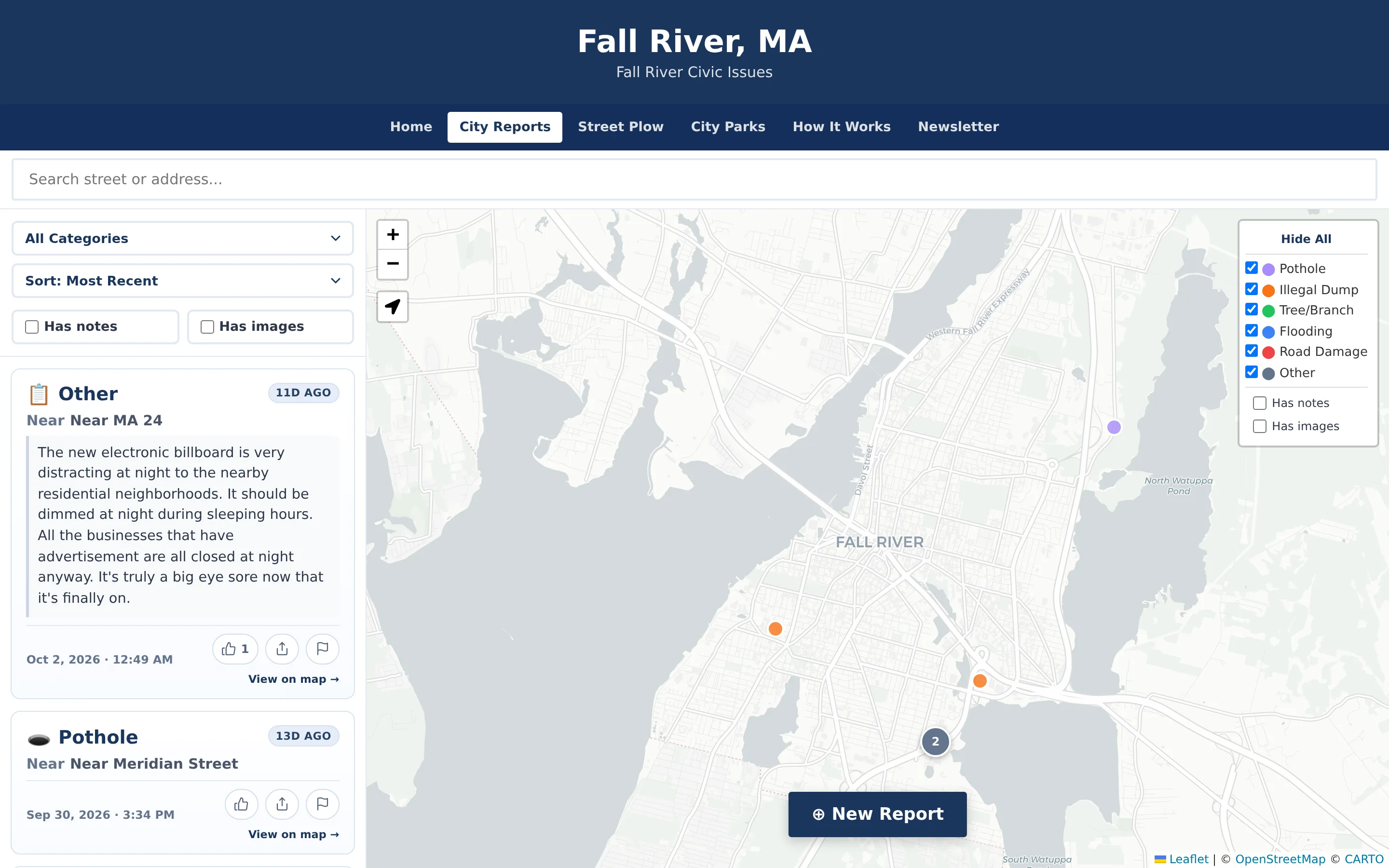
Located, categorized reports routed to your desk.
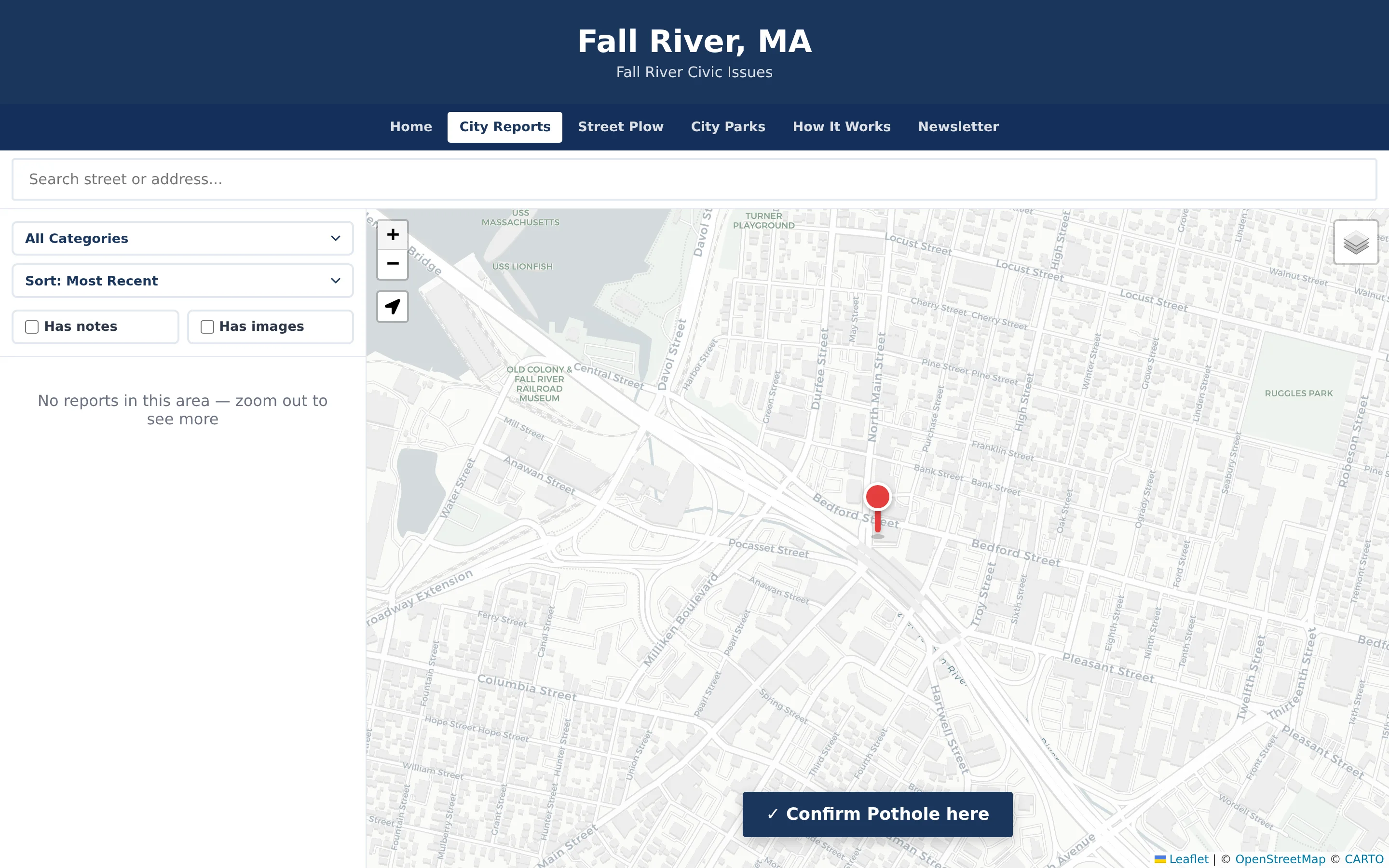
Residents report potholes, illegal dumping, fallen branches, flooding, and road damage from any phone, placing a pin exactly where the problem is. Reports in your categories route to Public Works with an email notification, and your staff manage them from the administration dashboard.
- Precise pins instead of vague descriptions
- Category-based routing to Public Works
- Mark issues fixed and export records to CSV
Fewer “has my street been plowed?” calls.
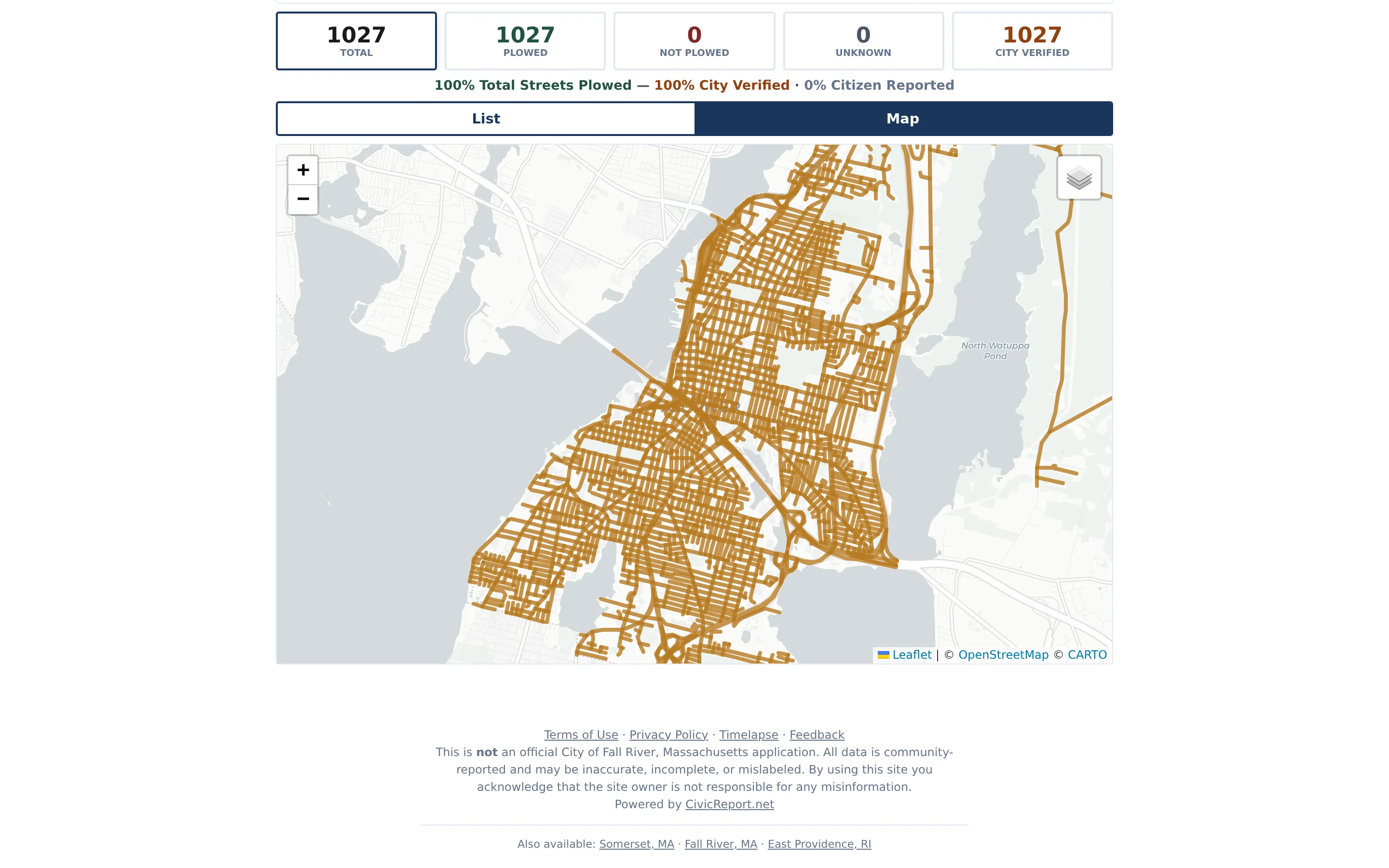
In street-status mode, residents can see reported conditions on a public map during a storm, and authorized staff can mark streets as verified. Residents get a single place to check instead of the phone line.
- Public street-status map during storms
- Staff-verified status shown distinctly
- Timelapse playback for after-storm review
Plan seasonal operations with everyone at the table.
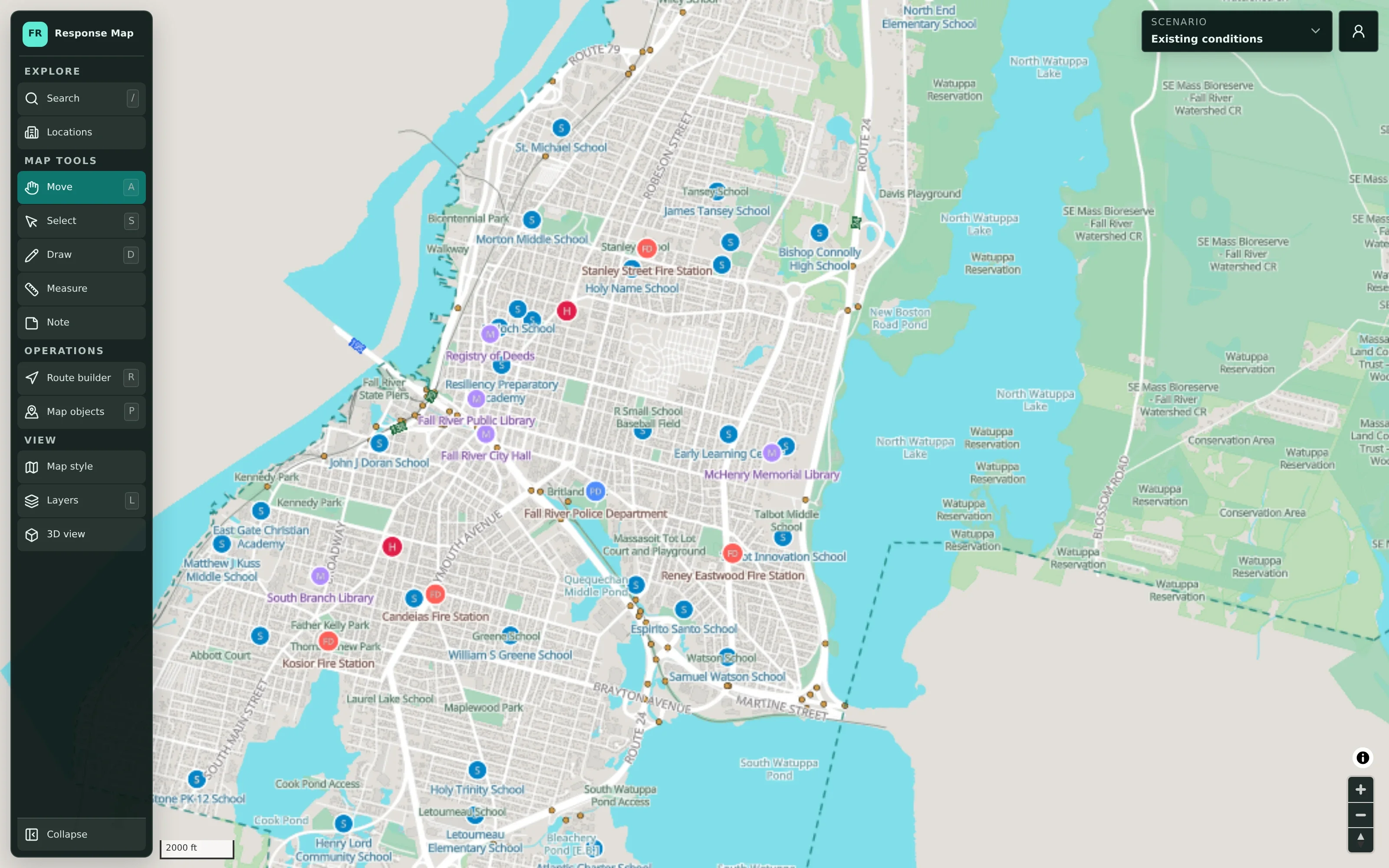
Use CivicMaps scenarios to plan plow priorities, debris staging, road closures, and detour routes, then share the plan with police, fire, and schools so everyone works from the same picture.
- Scenarios for storms, events, and construction season
- Route planning and drawing tools
- Shared with partner departments deliberately
Practical applications for Public Works.
Pothole season
Collect pinned pothole reports in spring and work through them with a clear record of what was fixed.
Illegal dumping
Receive located reports with optional photos and route them to the right staff for follow-up.
Snow operations
Give residents a street-status map and staff a way to mark verified progress.
Storm debris & flooding
Gather reports of fallen branches and flooded streets, and plan staging areas on a shared map.
Road closures & detours
Draw closures and detour routes for events and construction, and share them with police and fire.
Reporting to leadership
Export report records for council updates, budget requests, and after-action reviews.
Getting started is straightforward.
Tell us your priorities
Share which issues generate the most calls and which departments handle them.
Configure categories & routing
We set up categories, routing, and staff access around your department.
Launch and point residents to it
Publish the reporting link and train staff on the dashboard before your busy season.
Features public works teams use most.
Let’s talk about your public works needs.
Tell us what your department is working on. We’ll suggest a practical starting point — often a single product — and show how it would work for you.