One shared picture before the storm.
Emergency managers in smaller communities coordinate many departments with limited staff. CivicMaps gives everyone the same map and plan — and CivicReport helps residents share conditions during an event.
Featured products:CivicMapsCivicReport
Coordination is the hardest part of preparedness.
Plans are only as useful as the shared understanding behind them — and that is difficult to build across departments.
Plans scattered across formats
Annexes, binders, printed maps, and slide decks rarely agree with each other.
Departments plan separately
Police, fire, DPW, schools, and administration each hold part of the picture.
Exercises start from scratch
Tabletop exercises spend valuable time establishing the map before decisions can be discussed.
Neighbors need the right view
Mutual-aid partners need relevant parts of a plan, shared deliberately and securely.
Practical tools for emergency management teams.
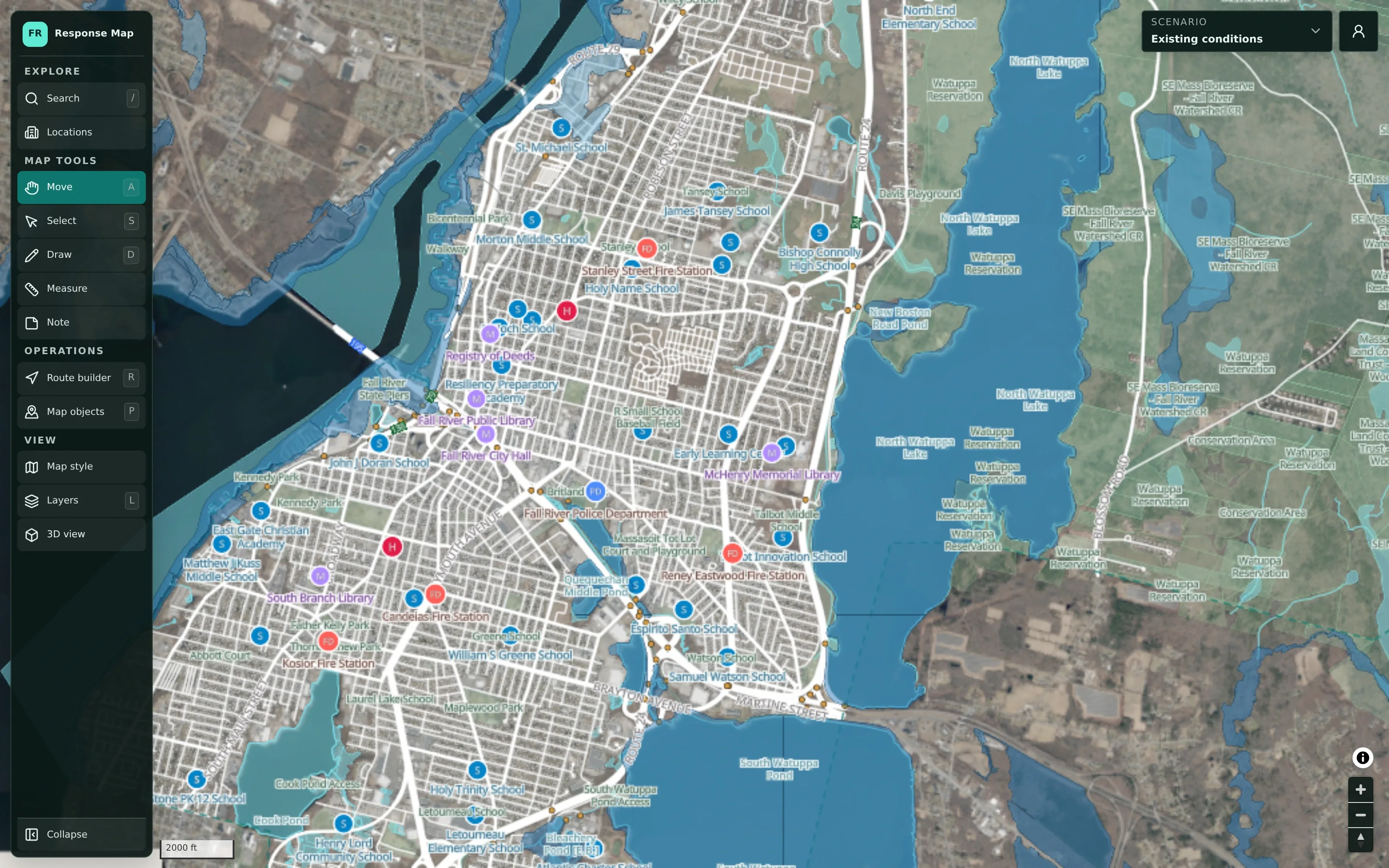
A planning map every department recognizes.
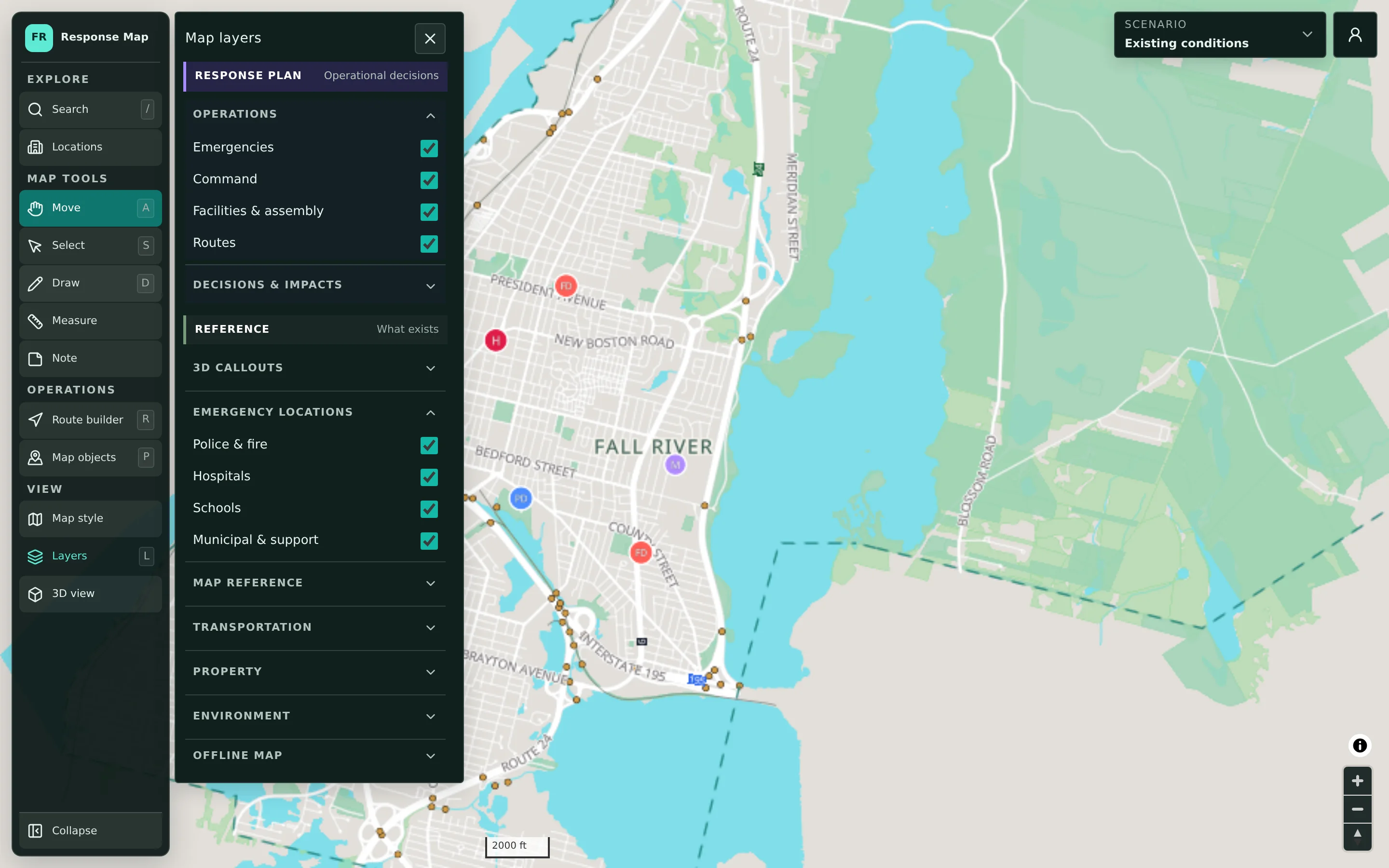
Start from a detailed base map of your municipality with public facilities, aerial imagery, terrain, and mapped flood-risk areas. Build scenarios for each hazard or event on top, keeping plan layers separate from reference data.
- Standard, aerial, flood-risk, and terrain views
- Scenarios for each hazard, event, and exercise
- Sources and limitations shown for every location
Tabletop exercises with a map in the middle of the table.
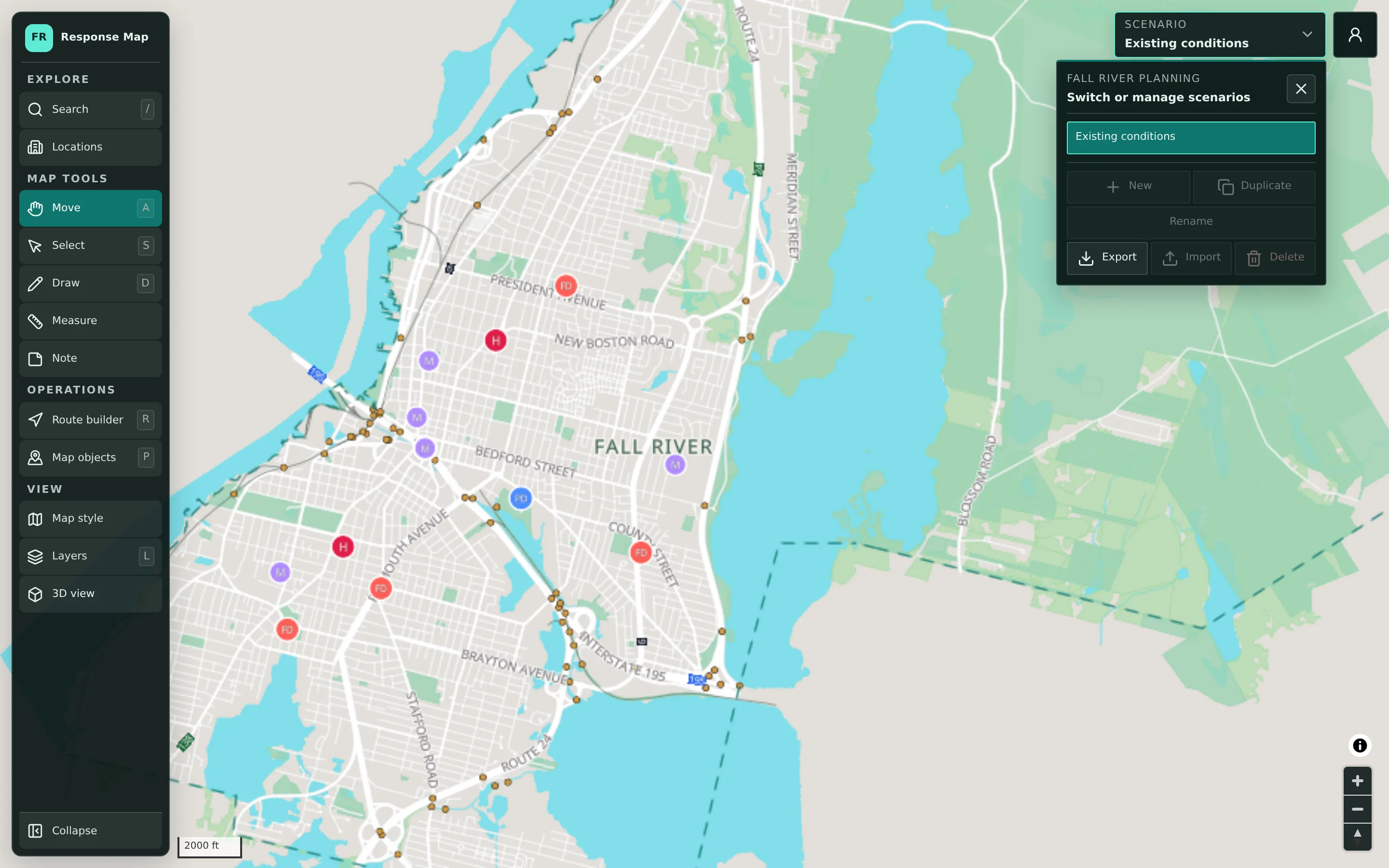
Prepare an exercise scenario ahead of time, then use the shared map during the session to walk through decisions, mark locations and routes, and capture notes. The scenario remains for the after-action review.
- Exercise scenarios prepared in advance
- Map objects with planning statuses
- Scenario kept for review and improvement
Resident condition reports during storms.
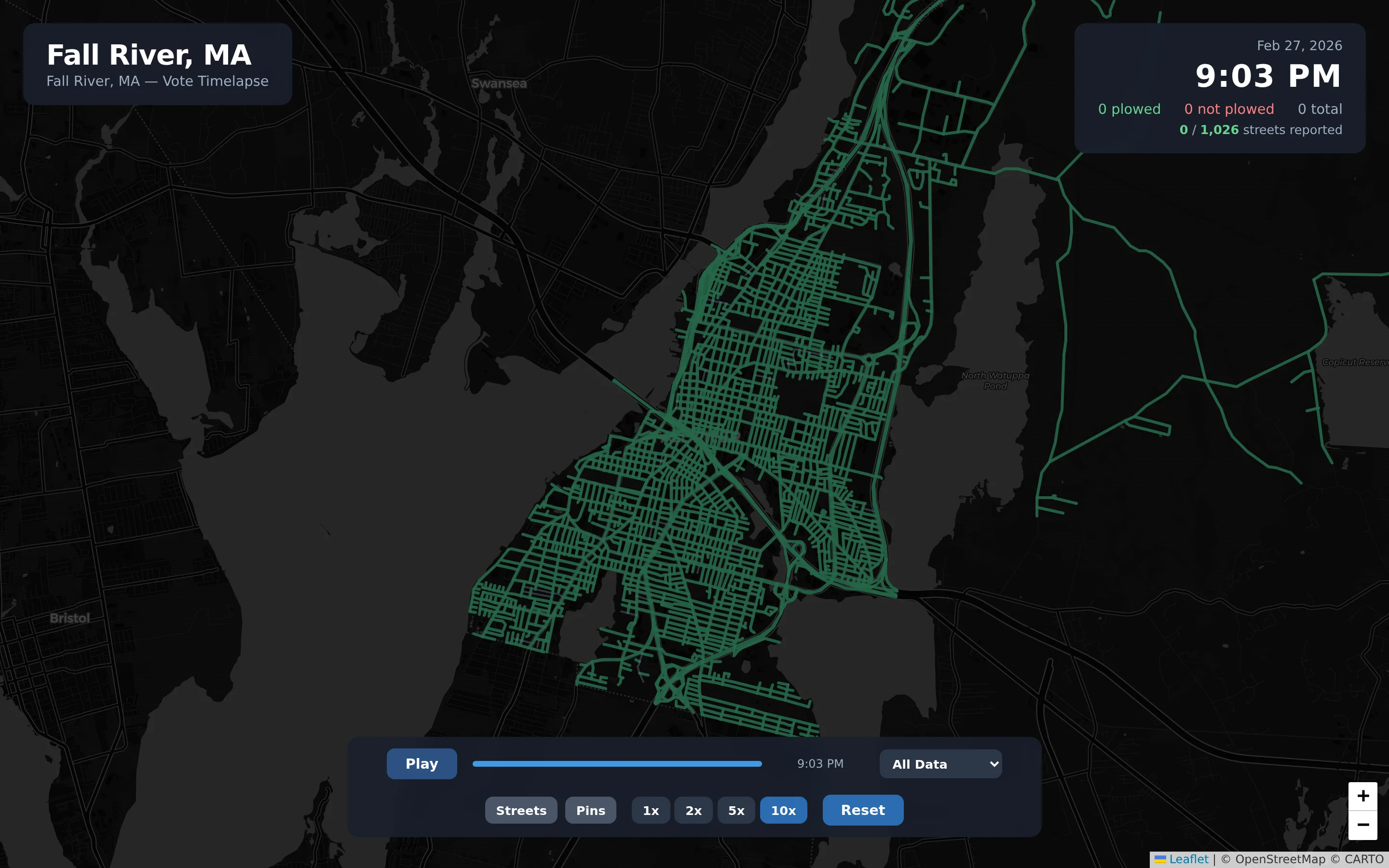
CivicReport gives residents a non-emergency way to report flooding, fallen trees, and street conditions on a public map, helping emergency management and public works see where problems are concentrated — while directing true emergencies to 911.
- Flooding and tree/branch report categories
- Public street-status map during storms
- Non-emergency only, with clear 911 guidance
Practical applications for Emergency Management.
Seasonal storm plans
Maintain a winter storm and hurricane scenario that departments revisit each season.
Large public events
Plan staging, command locations, road closures, and routes for parades, festivals, and races.
Tabletop exercises
Facilitate exercises around a shared map and keep the scenario for after-action review.
Flood-prone areas
Review mapped flood-risk areas alongside facilities and routes when planning.
Mutual aid coordination
Share relevant plans with neighboring municipalities and regional partners.
Briefing officials
Use the map to brief elected officials and administrators on plans and decisions.
Getting started is straightforward.
Review your planning needs
Discuss your hazards, upcoming events, exercises, and the departments involved.
Prepare your base map
We assemble the base map from supported public data and set up accounts.
Build your first scenario
Start with a real upcoming need — a storm season or an exercise — and train planners.
Features emergency management teams use most.
Let’s talk about your emergency management needs.
Tell us what your department is working on. We’ll suggest a practical starting point — often a single product — and show how it would work for you.