Every department planning from the same map.
Authorized staff from each department sign in to contribute to the same scenario. Plans stay private by default and are shared with the agencies and neighboring municipalities that need them.
Coordination breaks down between departments, not within them.
Police, fire, public works, schools, and administration each know their part of a plan well. Problems tend to appear at the edges: a detour that crosses a staging area, a shelter that no one checked with the school department, or a neighboring town that learns about a closure too late.
- Each department plans from its own map
- Conflicts between plans surface late
- Partners receive plans as email attachments, if at all
How departments plan together.
- Step 1
Sign in
Staff sign in with authorized municipal accounts set up for your departments.
- Step 2
Contribute to the scenario
Each department adds its part, such as staging areas, traffic control, closures, or shelters, to the same shared scenario.
- Step 3
Review the combined plan
Planners see every contribution on one map and resolve conflicts before an event.
- Step 4
Share deliberately
Share the plan with the agencies and neighboring municipalities that need it, or export it for briefings.
Department Collaboration in detail
Every department’s part, on the same map.
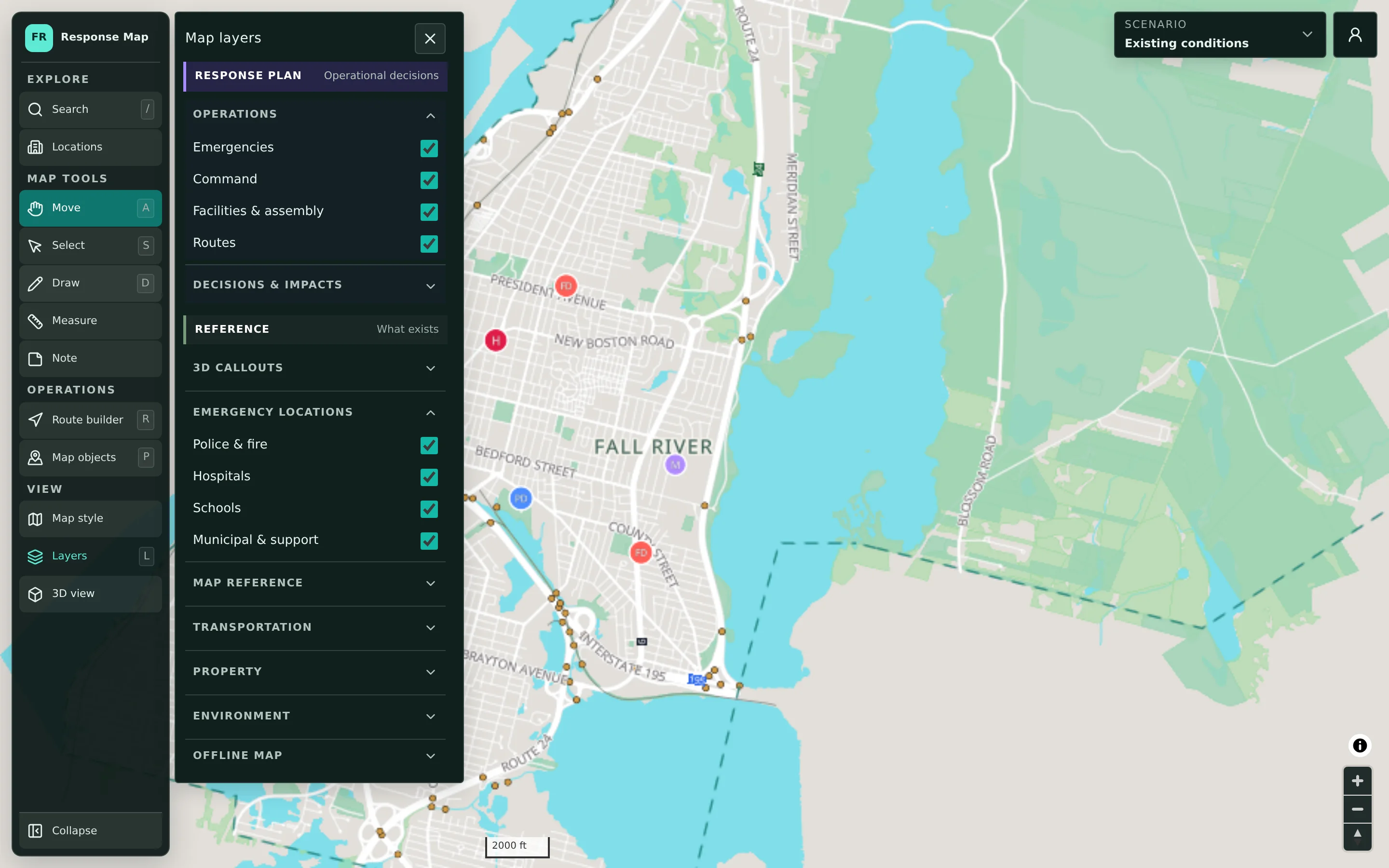
Contributions from different departments live in the same scenario and are organized by layer: command, facilities and assembly, routes, and decisions and impacts. Map objects can be filtered by owner, which makes it easy to review what a particular department has added. Planners see where one department’s plan touches another’s before it becomes a problem in the field.
- Departments contribute to one shared scenario
- Map objects filterable by owner and status
- Layer groups keep contributions organized
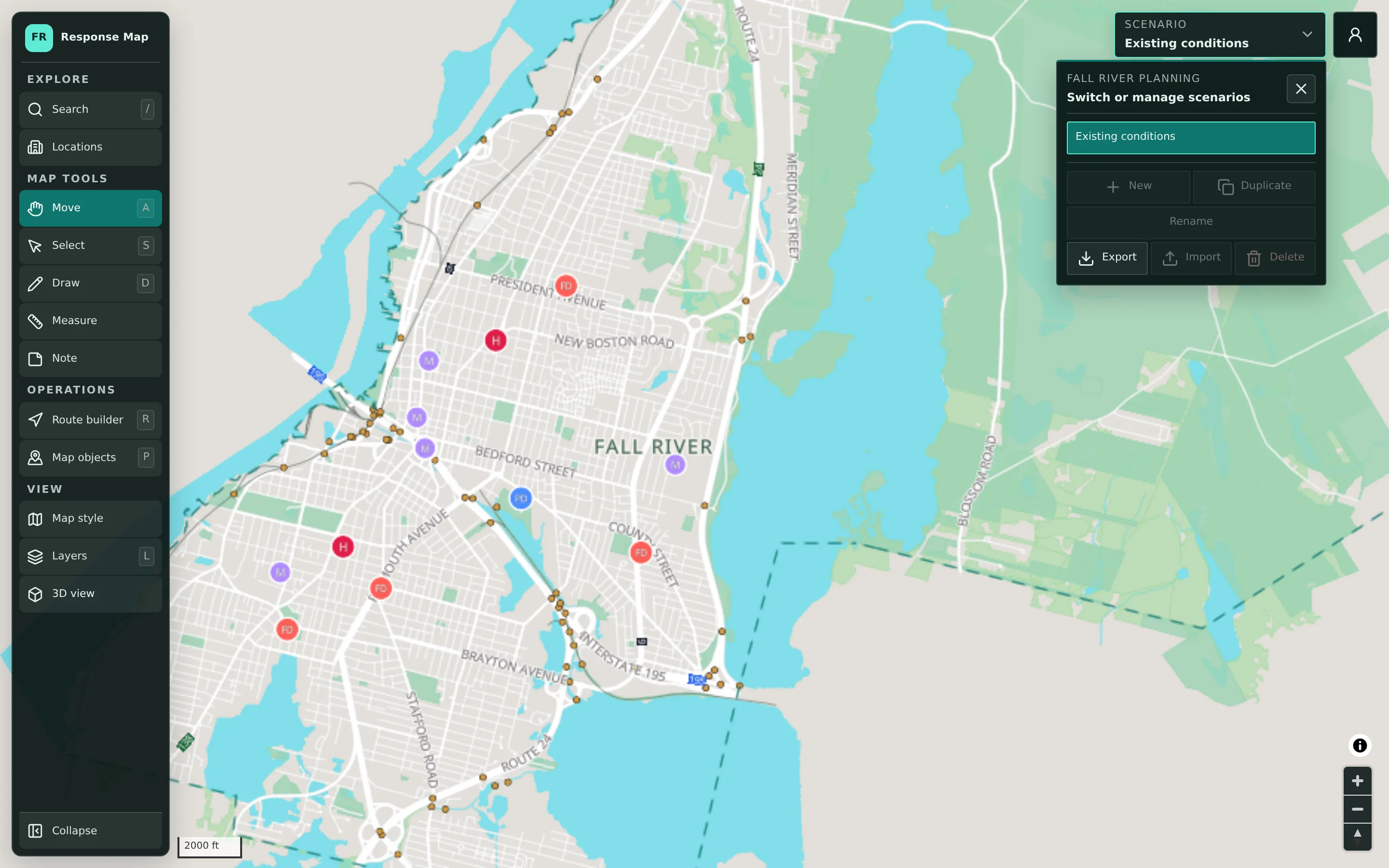
Partners see the plan you choose to share.
Planning scenarios are private to authorized accounts by default. When a plan needs to reach a partner agency, a regional coordinator, or a neighboring municipality, you share it deliberately rather than forwarding files. Scenarios can also be exported for briefings or records, so the version a partner reviews is the one you intended.
- Private by default
- Shared with the agencies and neighbors you choose
- Export for briefings and records
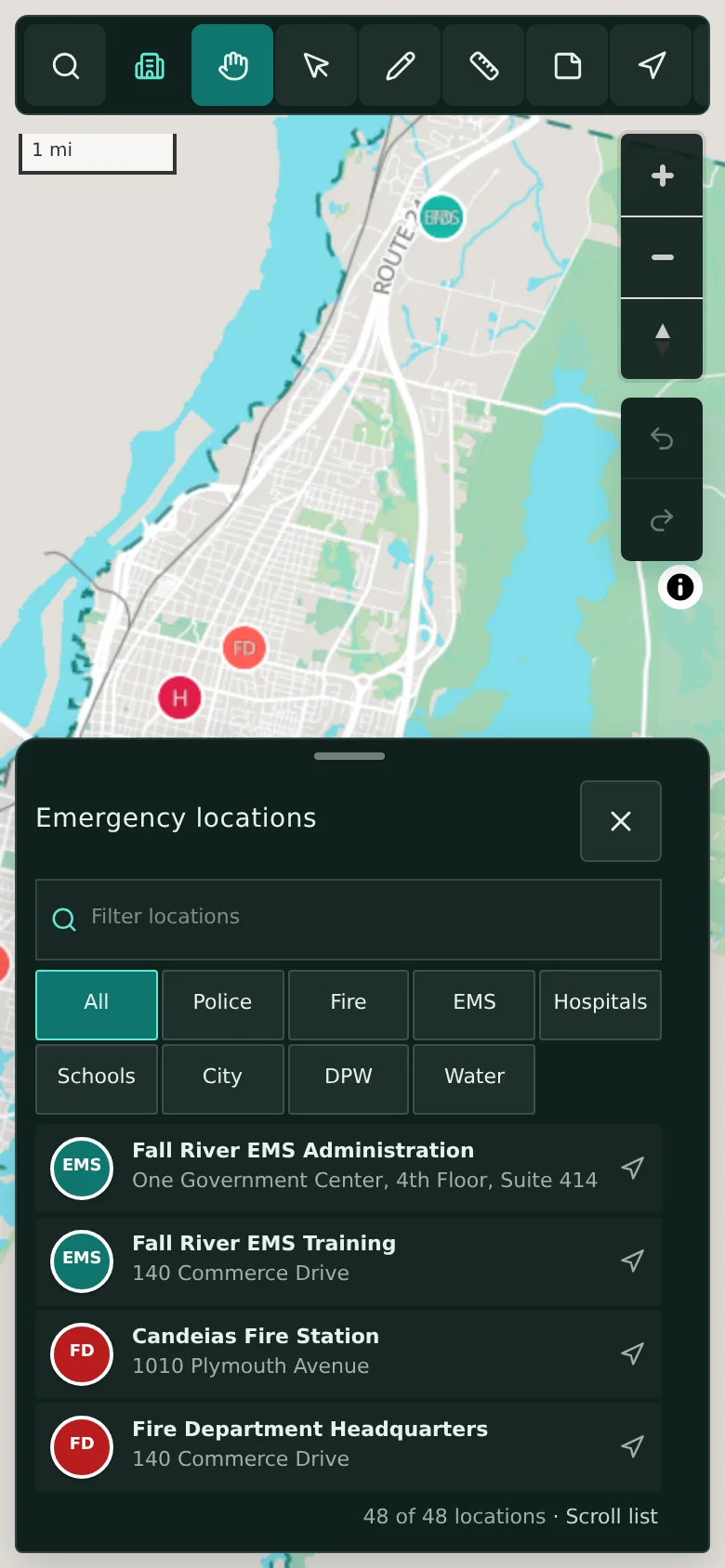
The same map on a wall screen or a phone.
CivicMaps works on desktop screens for planning meetings and adapts to phones and tablets, with a facility list in a bottom sheet and category filters for police, fire, EMS, hospitals, schools, public works, and water. The map can be downloaded for offline reference, so staff can consult it where coverage is unreliable; editing and routing still need a connection.
- Responsive layout for phones and tablets
- Facility list with category filters
- Offline map download for reference
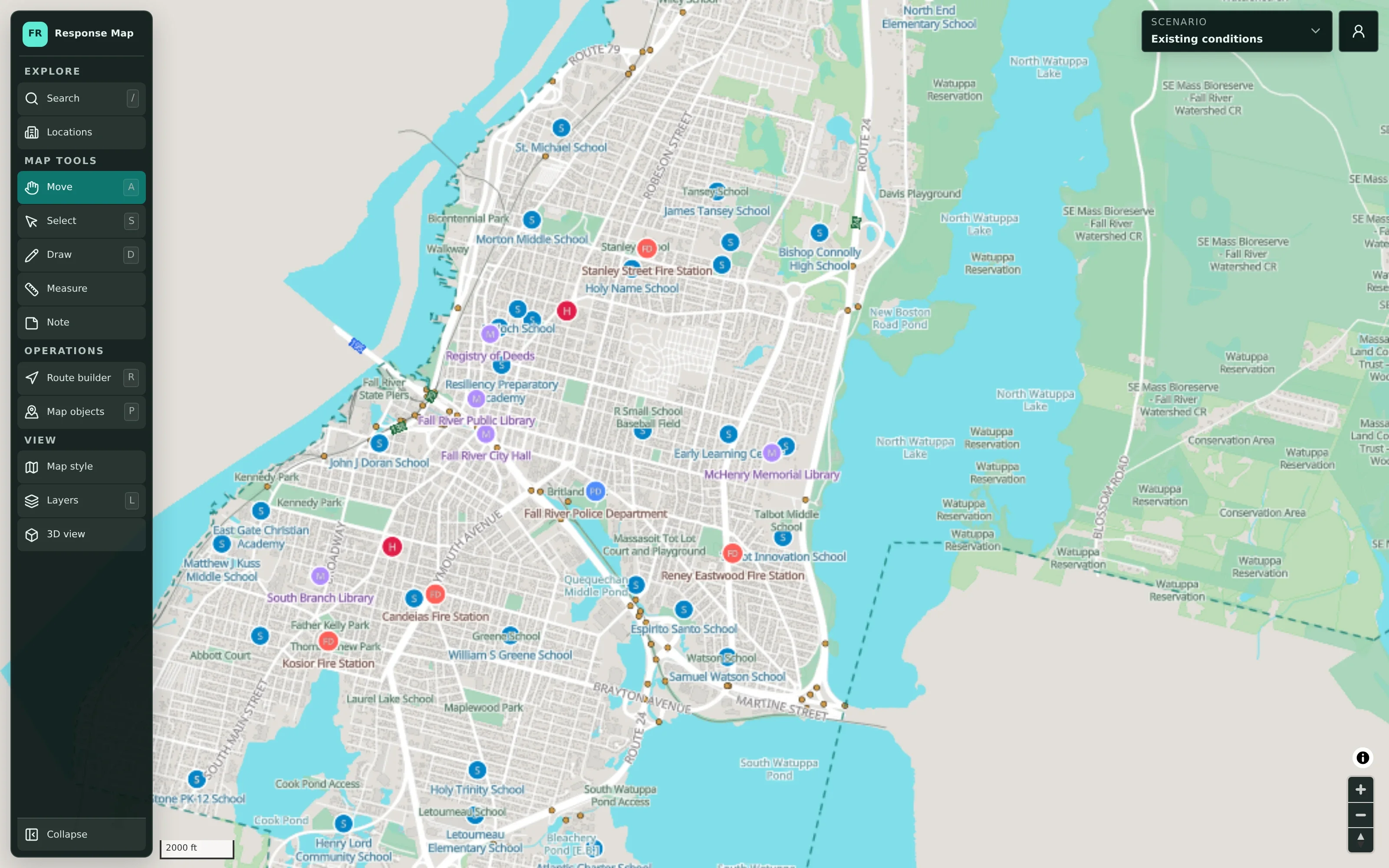
Example: coordinating a regional road race
An illustrative example of how a town might coordinate a large road race that crosses into a neighboring community.
The town’s emergency management coordinator creates a scenario for the race and draws the course.
Police add traffic control points and detours, fire and EMS add staging and access locations, and public works marks barricade and closure locations.
Reviewing the combined plan, the coordinator notices a detour that crosses an EMS access route, and the two departments agree on a change before race day.
Because part of the course runs through a neighboring town, the coordinator shares the plan with that town’s emergency management director.
Before race day, the coordinator exports the scenario for the briefing packet.
Practical benefits for your municipality.
Conflicts found early
Seeing every department’s plan together surfaces overlaps before they matter.
One version of the plan
Departments contribute to a shared scenario instead of circulating separate copies.
Regional coordination
Plans can be shared with neighboring municipalities and partner agencies that have a role.
Control over who sees what
Plans stay private by default and are shared on purpose, not by forwarded attachment.
Keep exploring.
Features that work alongside department collaboration, in CivicMaps and across the CivicTally portfolio.
Who can contribute to a scenario?
Authorized staff who sign in with municipal accounts. Accounts and access are set up with your municipality during implementation and managed through the administrative backend.
Can several departments work on the same plan?
Yes. Authorized staff from different departments can contribute to the same shared scenario, so police, fire, public works, schools, and administration plan from one picture. Map objects can be filtered by owner to review each department’s contributions.
How do we share a plan with a neighboring municipality?
Plans are private by default, and you choose which agencies, partners, or neighboring municipalities can see a given plan. Scenarios can also be exported for briefings. CivicTally sets up sharing with your team so it fits your regional relationships.
Is there a public view of our plans?
Planning scenarios are not public. Where a public guest view is enabled, it shows reference data such as public facilities and mapped flood risk, not your planning content.
Can CivicMaps be used to coordinate units during an incident?
No. CivicMaps is for high-level planning and coordination. It is not real-time, dispatch, CAD, or incident command software, and it does not track units or show live incident data.
See department collaboration with your own municipality in mind.
We’ll walk through CivicMaps using your departments, categories, and goals — and answer the practical questions about setup.