One base map, a scenario for every plan.
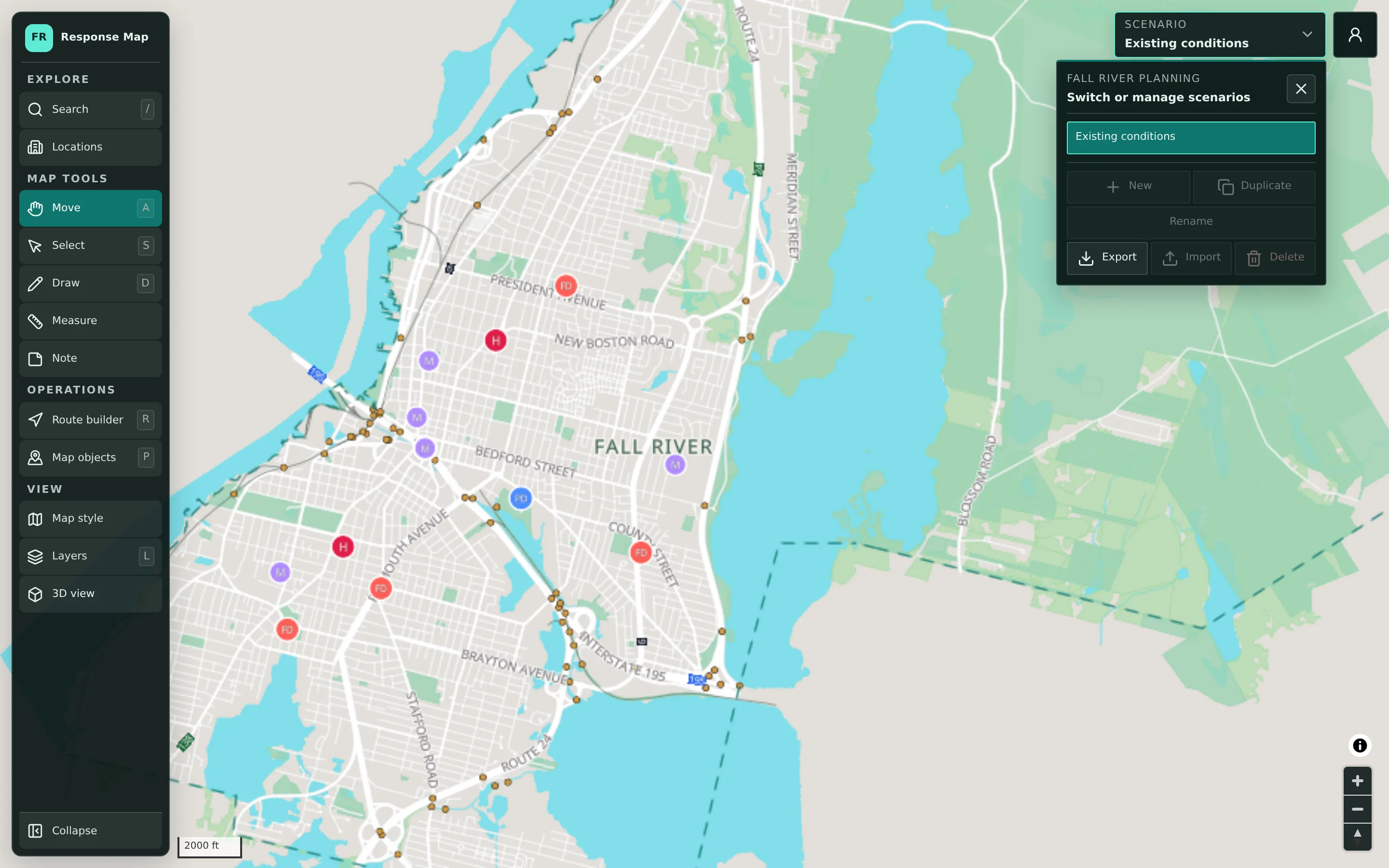
Each scenario holds its own drawings, locations, routes, and notes on the same shared base map. Planners can keep winter storm, summer event, and exercise plans side by side without mixing them up.
One map can’t hold every plan at once.
A municipality plans for many situations: winter storms, coastal flooding, large public events, and exercises. When all of that lives on one marked-up map or in a folder of files with similar names, it is hard to tell which version is current and easy to overwrite the wrong one.
- Plans for different hazards overlap on the same map
- File copies multiply and drift apart
- Last year’s work is hard to find and reuse
How scenarios are managed.
- Step 1
Create or duplicate
Start a new scenario, or duplicate an existing one so a new plan begins from previous decisions.
- Step 2
Name it clearly
Rename scenarios so everyone knows which hazard, event, or exercise they belong to.
- Step 3
Switch between plans
Use the scenario selector to move between plans on the same base map.
- Step 4
Export, import, or retire
Export scenarios for records or briefings, import them back, and delete scenarios that are no longer needed.
Scenario Management in detail
Every scenario starts from the same picture.
Scenarios share one base map of the municipality: streets, buildings, water, boundaries, and public facilities. A baseline scenario such as existing conditions can represent the map before any plan is applied. Because the base map is shared, improvements to reference data benefit every scenario rather than one copy.
- Scenario selector in the workspace header
- A baseline scenario for existing conditions
- Reference data shared across all scenarios
Drawings, objects, routes, and notes, kept together.
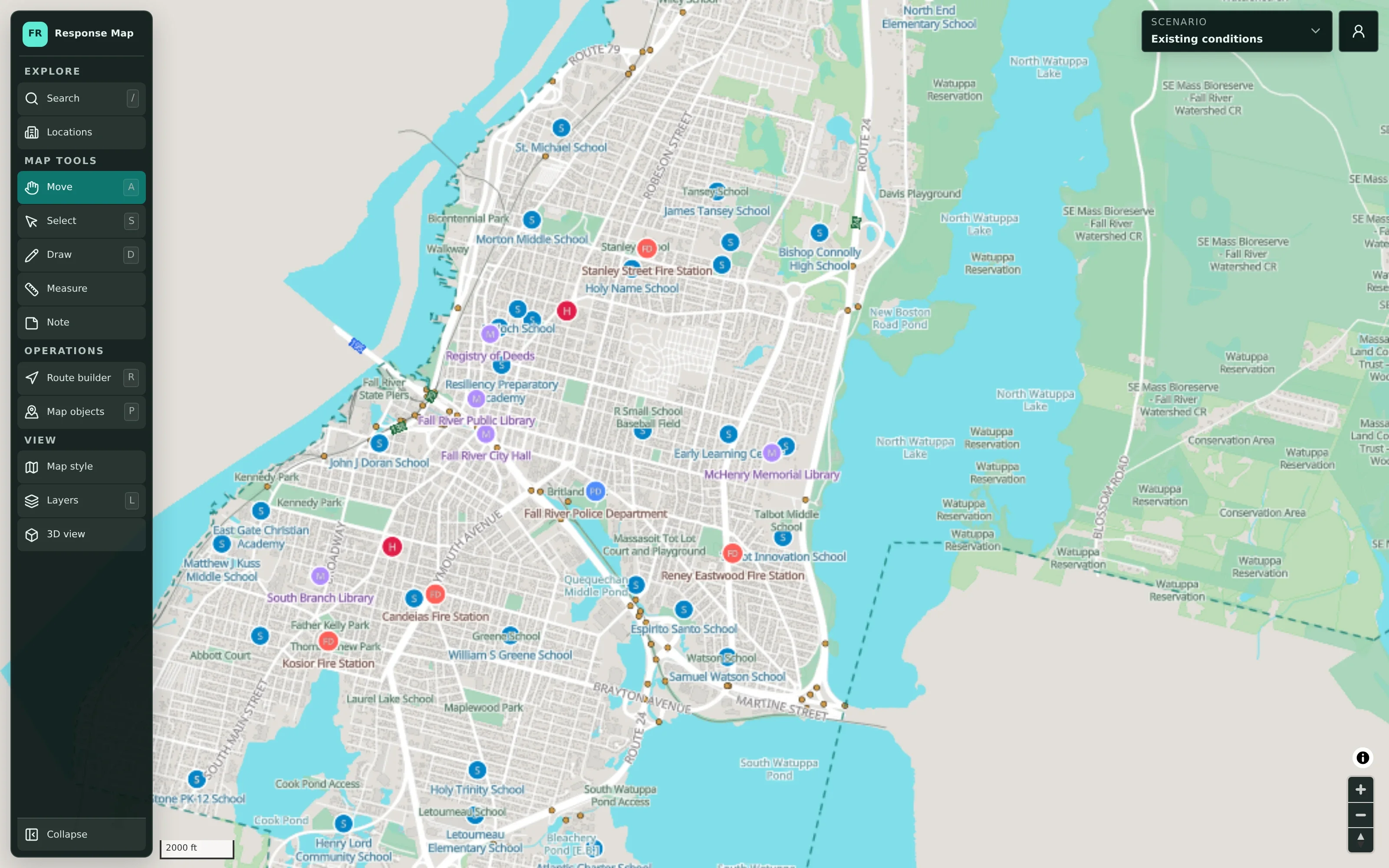
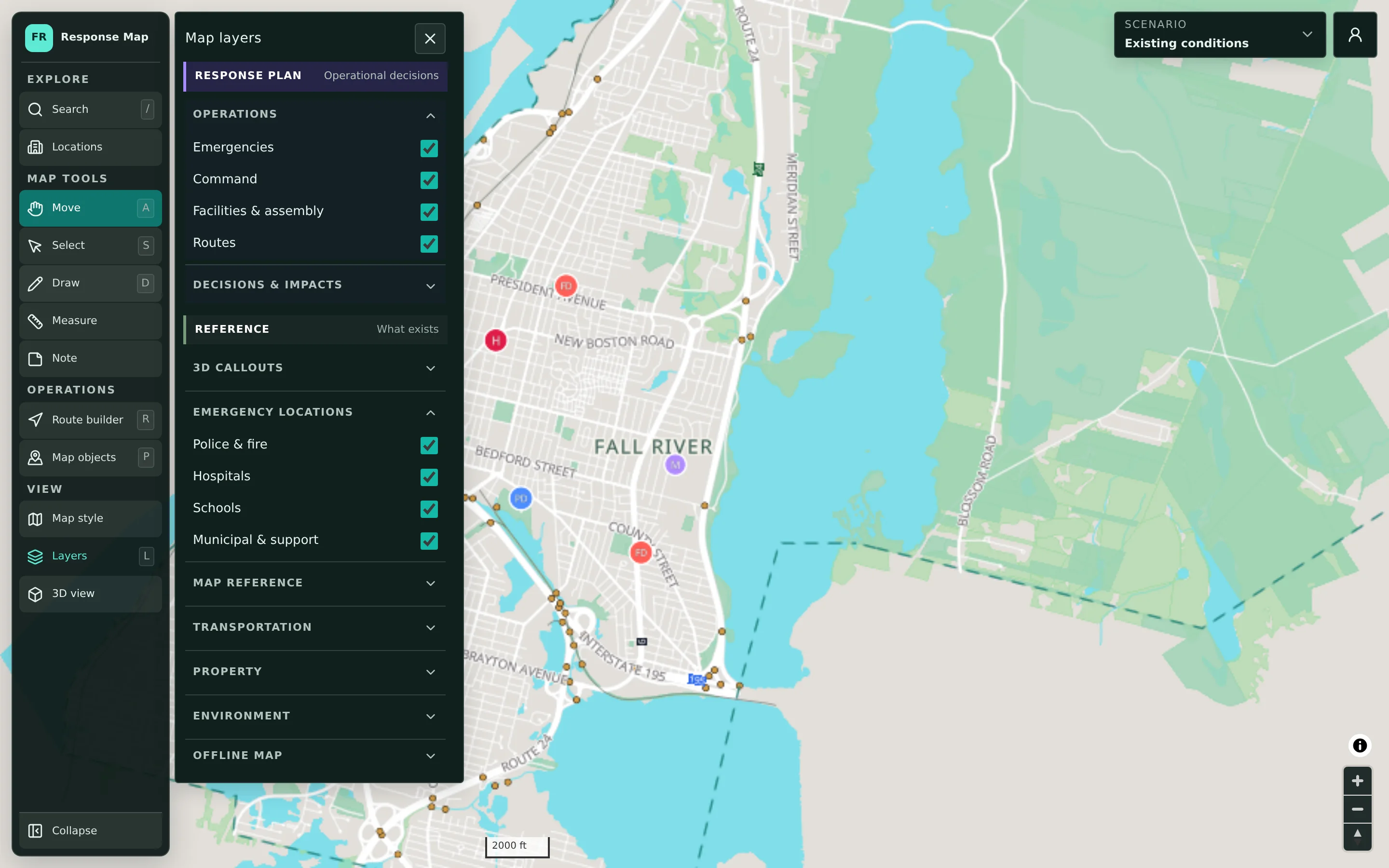
A scenario contains the response-plan content for one situation: emergencies, command and assembly locations, routes, and decisions and impacts such as closures and evacuation zones. Map objects within a scenario can be filtered by kind, status, and owner and sorted, which helps in larger plans with contributions from several departments.
- Response-plan layers stored with each scenario
- Map objects filtered by kind, status, and owner
- Statuses from Draft and Planned through Active
Duplicate a plan to test a different approach.
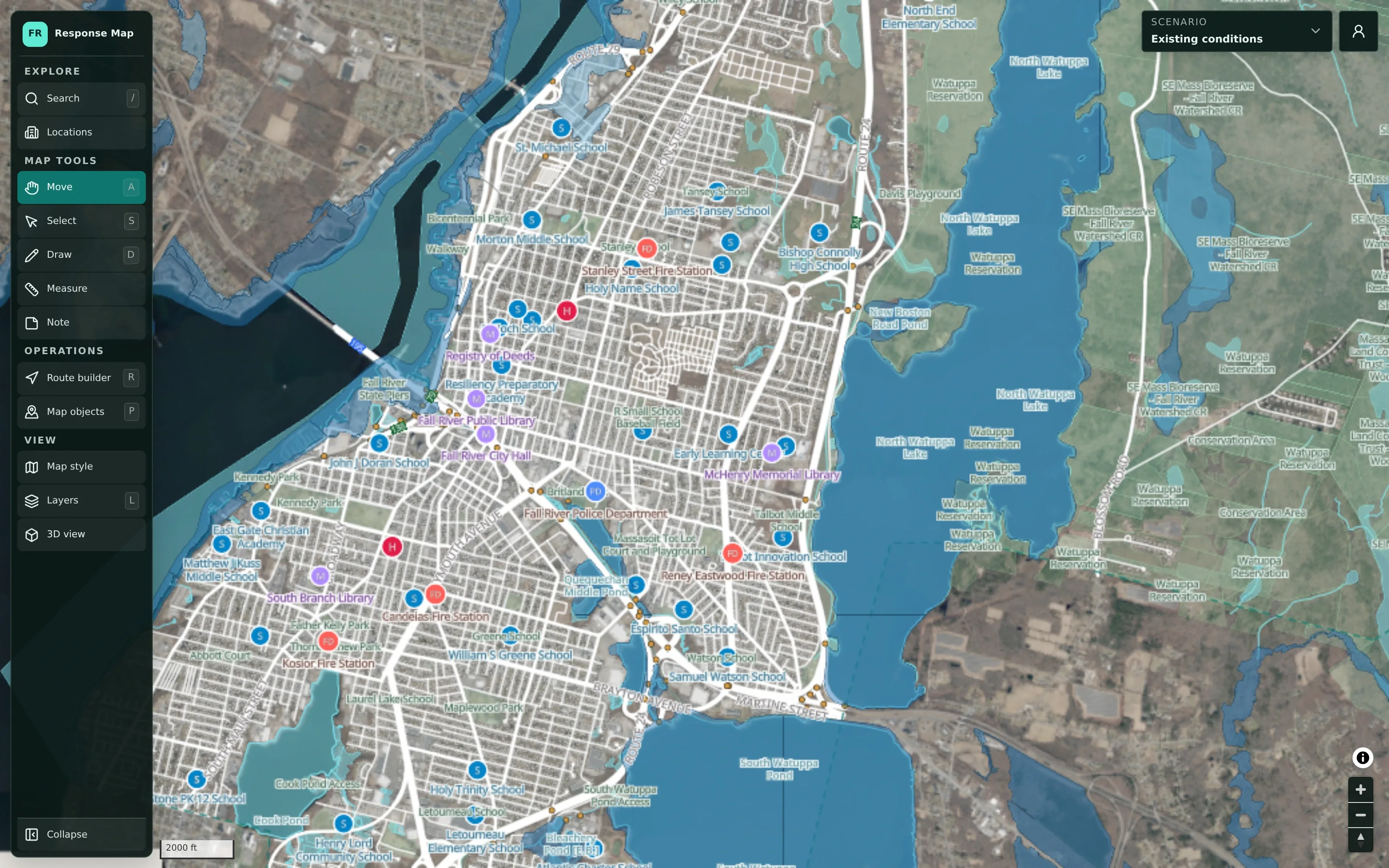
Duplicating a scenario is a practical way to compare options. Planners can copy a storm plan, try a different detour or shelter location in the copy, and check each version against the flood-risk overlay and aerial imagery. The original stays unchanged until the team decides which approach to adopt.
- Duplicate to try alternatives without risk
- Check plans against flood-risk and aerial views
- Keep the adopted plan clearly named
Example: preparing for summer and winter at once
An illustrative example of how an emergency management coordinator in a town might organize scenarios across a year.
In spring, the coordinator creates a scenario for a large summer festival and names it with the event and year.
They duplicate last winter’s storm scenario and rename the copy for the coming season, so this winter’s changes start from what worked before.
Ahead of a regional exercise, they create a separate exercise scenario so practice decisions never touch either working plan.
After the festival, they export the event scenario for the town’s records and as a starting point for next year.
Outdated scenarios from earlier years are exported for the record and then deleted to keep the scenario list short.
Practical benefits for your municipality.
Clear separation of plans
Each hazard, event, and exercise has its own scenario, so plans don’t overlap or overwrite each other.
Reuse instead of redraw
Duplicating last year’s plan preserves previous decisions as a starting point.
Records you can keep
Exported scenarios support briefings, records retention, and after-action reviews.
Less version confusion
One scenario list replaces a folder of similarly named map files.
Keep exploring.
Features that work alongside scenario management, in CivicMaps and across the CivicTally portfolio.
What is the difference between a map and a scenario?
The map is the shared base: streets, buildings, facilities, and reference layers for your municipality. A scenario is a plan on top of that base, with its own drawings, locations, routes, and notes. One map can hold many scenarios.
Can we have more than one map?
Yes. CivicMaps supports multiple maps and multiple scenarios. How maps are organized, for example by municipality or planning area, is set up with CivicTally during implementation.
What can we do with an exported scenario?
Exported scenarios can be kept for records, used in briefings, or imported again later. Export is also a practical way to archive a scenario before deleting it from the active list.
Who can create or delete scenarios?
Creating and changing scenarios requires signing in with an authorized municipal account. Who has access is set up with your municipality and managed through the administrative backend.
Do scenarios update automatically during an event?
No. Scenarios are plans that authorized staff build and edit. CivicMaps does not pull in live incident, sensor, or vehicle data and is not real-time or dispatch software.
See scenario management with your own municipality in mind.
We’ll walk through CivicMaps using your departments, categories, and goals — and answer the practical questions about setup.