Explain the municipal budget with sources and useful context
Make municipal budgets easier to understand with cited sources, clear version labels, comparable prior-year figures, and careful explanations of peer data.
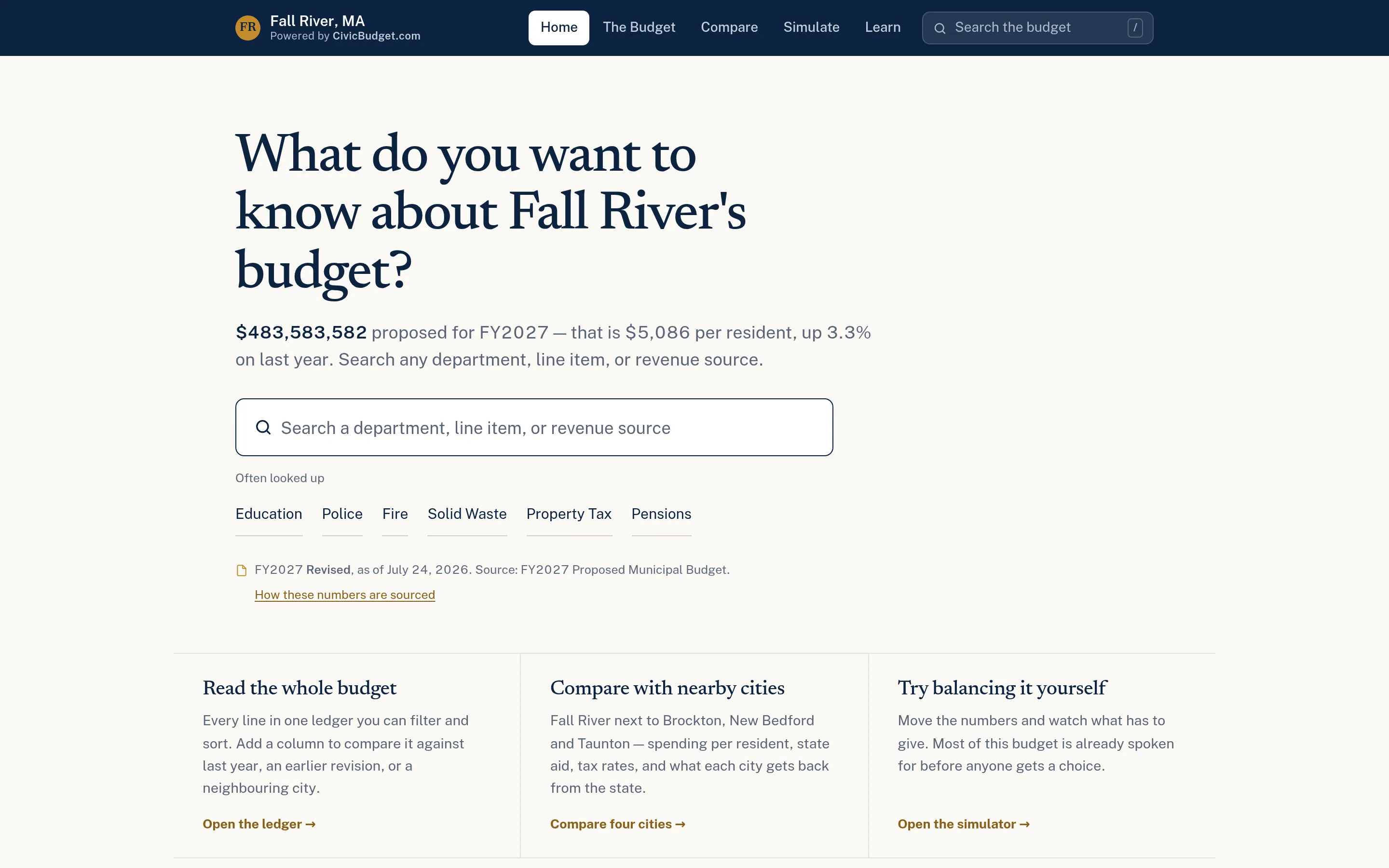
Begin with the resident’s question
A useful budget explanation starts with something a reader wants to understand: what a service is budgeted to cost, why an amount changed, or where revenue comes from. Lead with that answer, then provide the detail and source needed to check it.
Choose a small set of common questions with finance and communications staff. Identify the department, category, or line item behind each answer. Explain unfamiliar labels in plain language without changing the meaning of the underlying appropriation. A searchable page should help readers navigate the budget book, not quietly redefine it.
Establish sources and version labels
Prepare the official proposed or adopted budget and any supporting public documents before building charts. Record the fiscal year, publication or revision date, status, and relevant page or table. Make those labels visible beside the figures, not only in a general disclaimer.
Keep a source checklist:
- Does the displayed amount match the cited document?
- Is the figure proposed, revised, or adopted?
- Which funds and budget lines are included in the total?
- Is the source link accessible without a staff account?
- Who reviews the explanation when a new version appears?
CivicBudget presents published budget allocations with cited sources. Its budget explorer provides search and a sortable ledger so readers can move from a broad question to the underlying lines. It is a public communication tool, not an accounting system: allocations are not transaction-level payments or actual spending to date.
Make prior-year comparisons genuinely comparable
A change is only meaningful when readers know what is being compared. Label both sides explicitly: this year’s proposed amount against last year’s adopted amount is different from a comparison with last year’s revised budget or actual expenditure.
Check for department reorganizations, transferred responsibilities, renamed lines, and changes in fund coverage. If a service moved between departments, explain that movement before presenting an increase or decrease as a policy change. Show the dollar difference alongside the percentage; a percentage alone can exaggerate a change from a small starting amount.
Separate year-over-year changes from revisions within the current budget process. Spending visualizations can show prior-year context and published version history where the source data supports them. Do not fill a missing comparison with an estimate unless it is explicitly explained and labelled.
Use peer data as context, not a verdict
Choose peers for a stated reason, such as size, region, or service structure. Align fiscal years, budget status, and categories before drawing conclusions. A general-fund comparison should not quietly include enterprise funds for one community but exclude them for another.
Per-resident figures help explain scale, but they do not measure service quality or efficiency. Cite the population estimate and its year. Explain differences in school arrangements, regional services, debt, and where benefits are budgeted. Leave unavailable figures missing rather than treating them as zero.
CivicBudget’s municipal comparisons depend on suitable public data. A neighboring municipality is not automatically a comparable one, and a ranking is not a recommendation about what your community should spend.
Give staff a repeatable publishing check
Before sharing a budget page, ask a colleague to find an amount, identify its version, explain the comparison, and open its source. Review ambiguous labels with finance staff and document who approves updates after hearings or adoption.
Keep official documents available alongside the public explanation. To discuss a starting scope, contact CivicTally with your budget documents, publication schedule, and the questions residents need help answering.