
Step 01
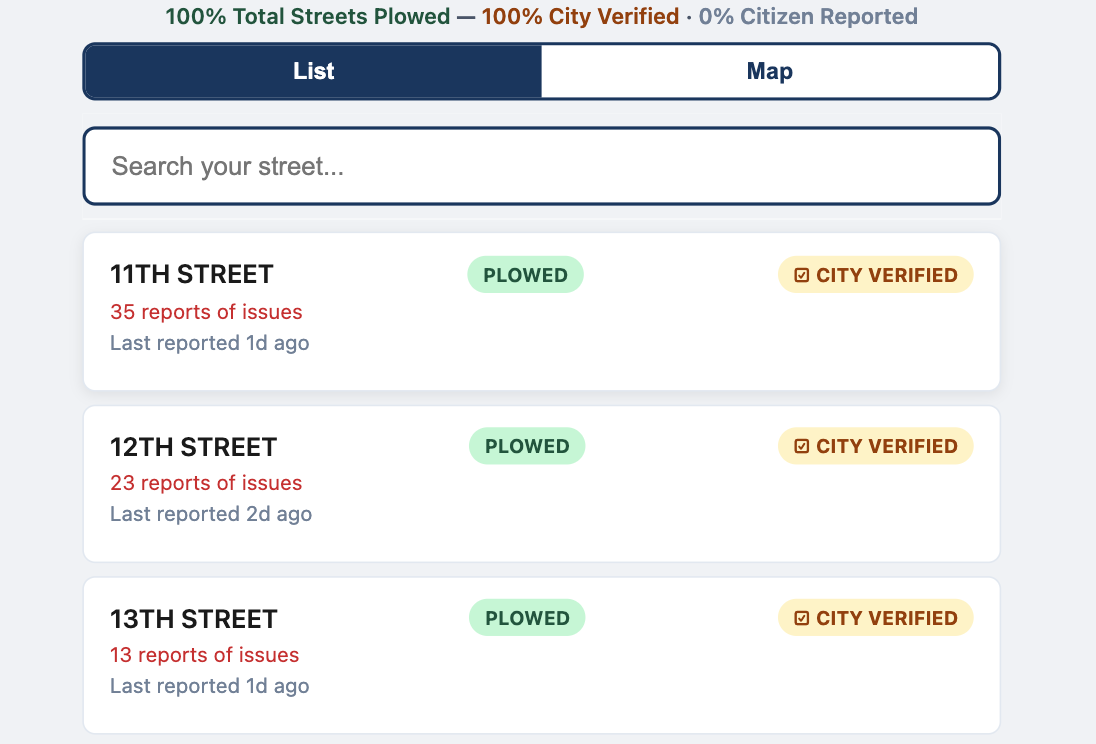
Search street in the list view
Residents start by searching for their street to quickly find current status and recent activity.
Residents report what they see on their street, the map updates instantly, and city teams can verify and prioritize response with a shared, visible system.
The screenshots below map directly to your user flow and city operations workflow.
Step 01
Residents start by searching for their street to quickly find current status and recent activity.
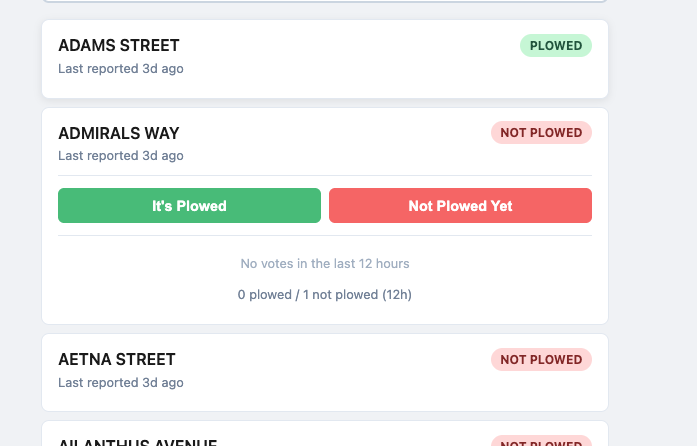
Step 02
Once on a street, residents submit a simple vote so the system captures current local conditions with zero friction.
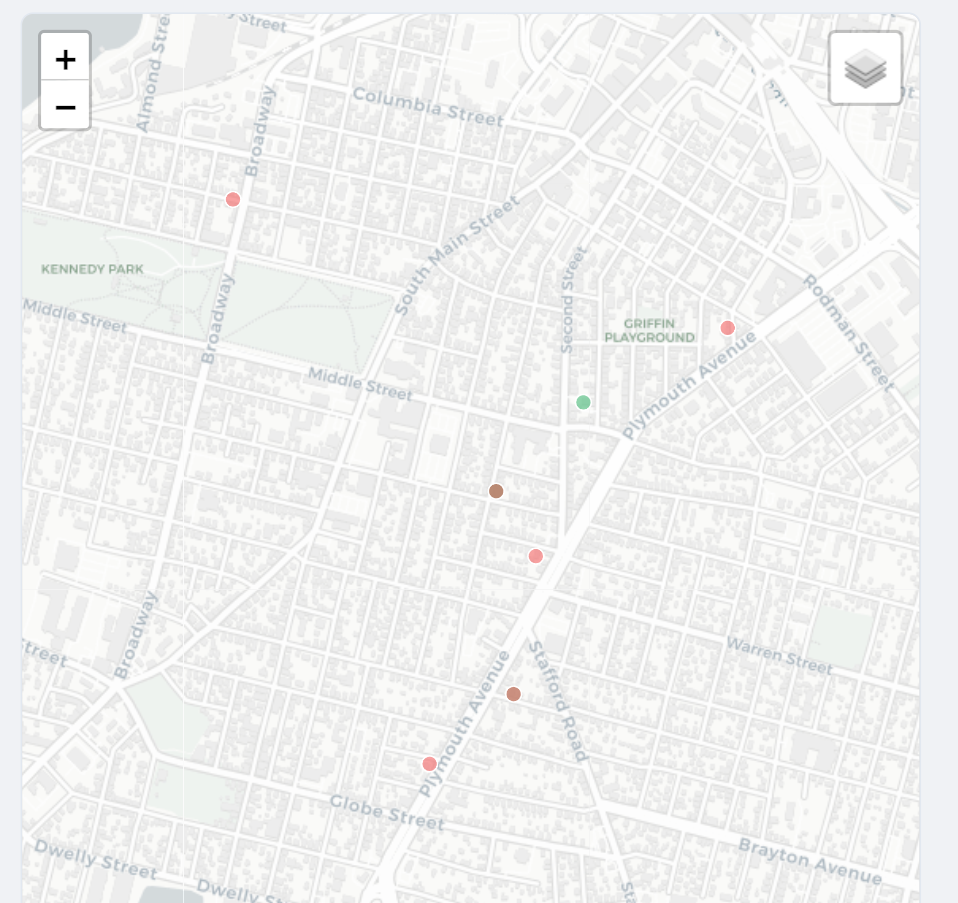
Step 03
If location is shared, the report can include a map point to improve situational awareness during active events.
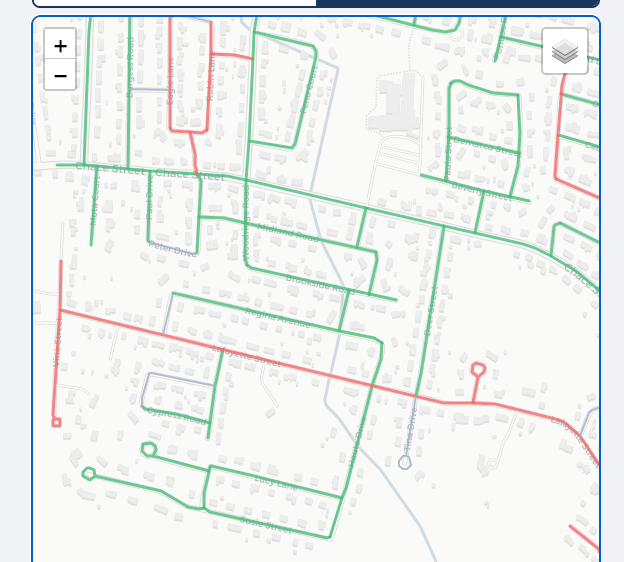
Step 04
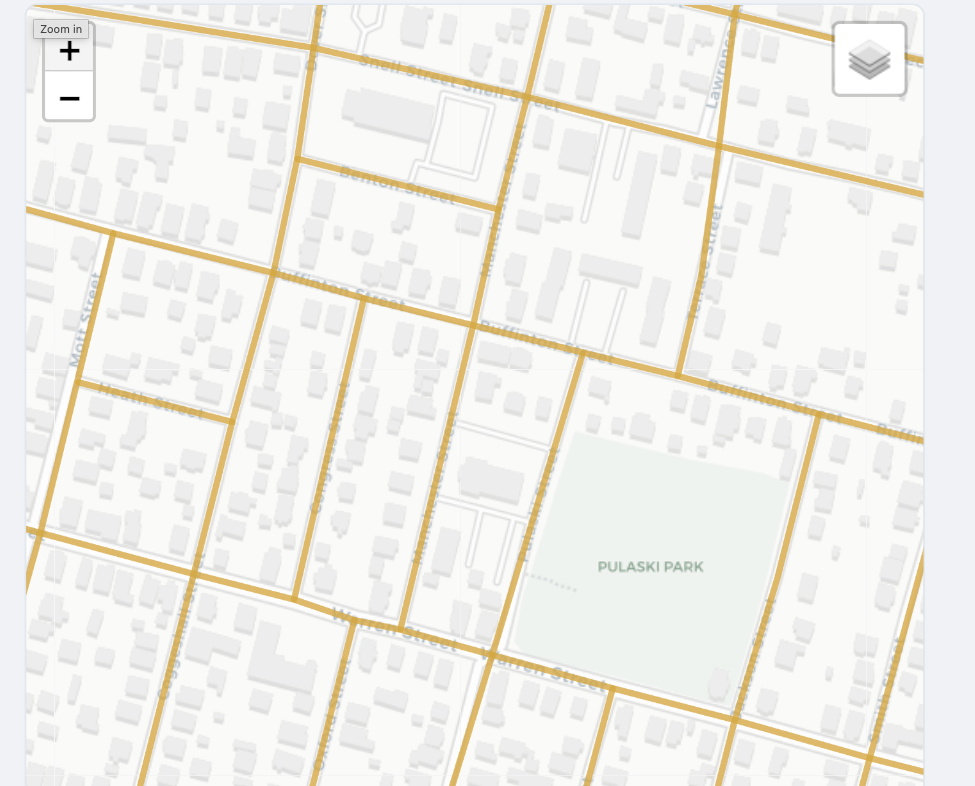
Road segments are actively highlighted based on status, helping residents and operations teams see changes instantly.
Step 05
City staff can apply official verification labels, shown in gold, to add trusted municipal confirmation to crowdsourced signal.
Step 06
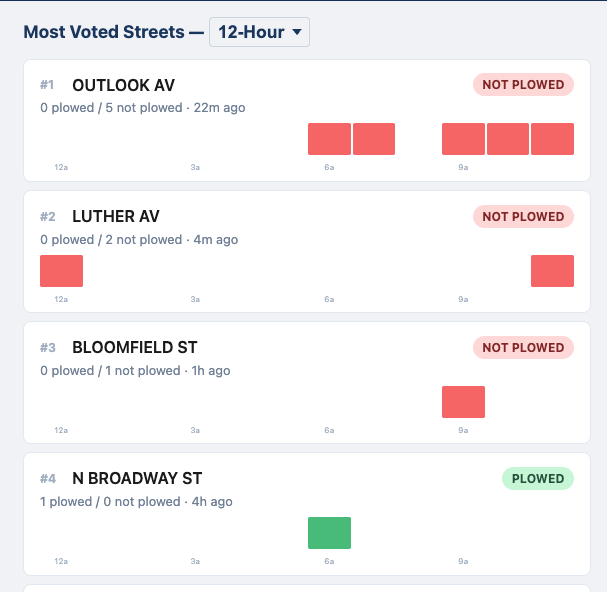
The timeline view shows when and where reports were concentrated so teams can assess response tempo over the last 12 hours.
Step 07
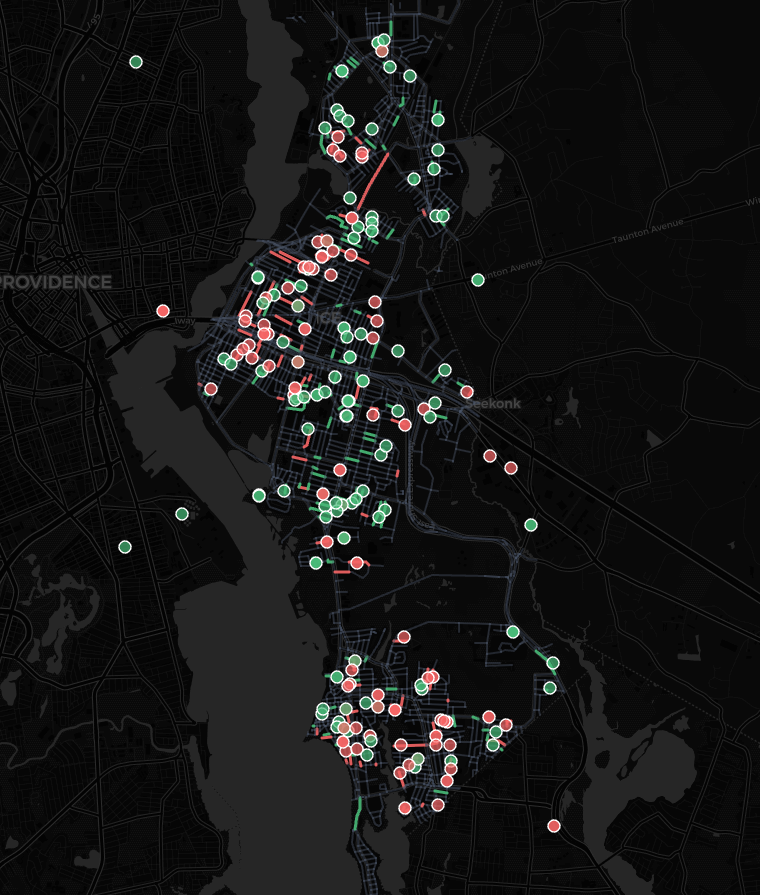
The timelapse page visualizes how status changed across the city during the event, supporting communication and post-storm review.
CivicTally deployments are configured city-by-city and can be live in hours, with support for existing communication channels and contractor operations.
Schedule a 30-minute demo